How SentimentSync works
From install to routed, reported tickets in three steps. No new dashboard, no data platform to buy.
1. Install and provision
Install SentimentSync from HubSpot in one OAuth click. It creates a 'SentimentSync' property group with four custom ticket properties (sentiment, category, intent, priority) and backfills your most recent tickets, newest first, up to your plan limit. It never touches your built-in HubSpot fields.
- One OAuth install, scopes limited to tickets and oauth
- Four custom properties created in their own group
- Your most recent tickets backfilled, up to your plan limit
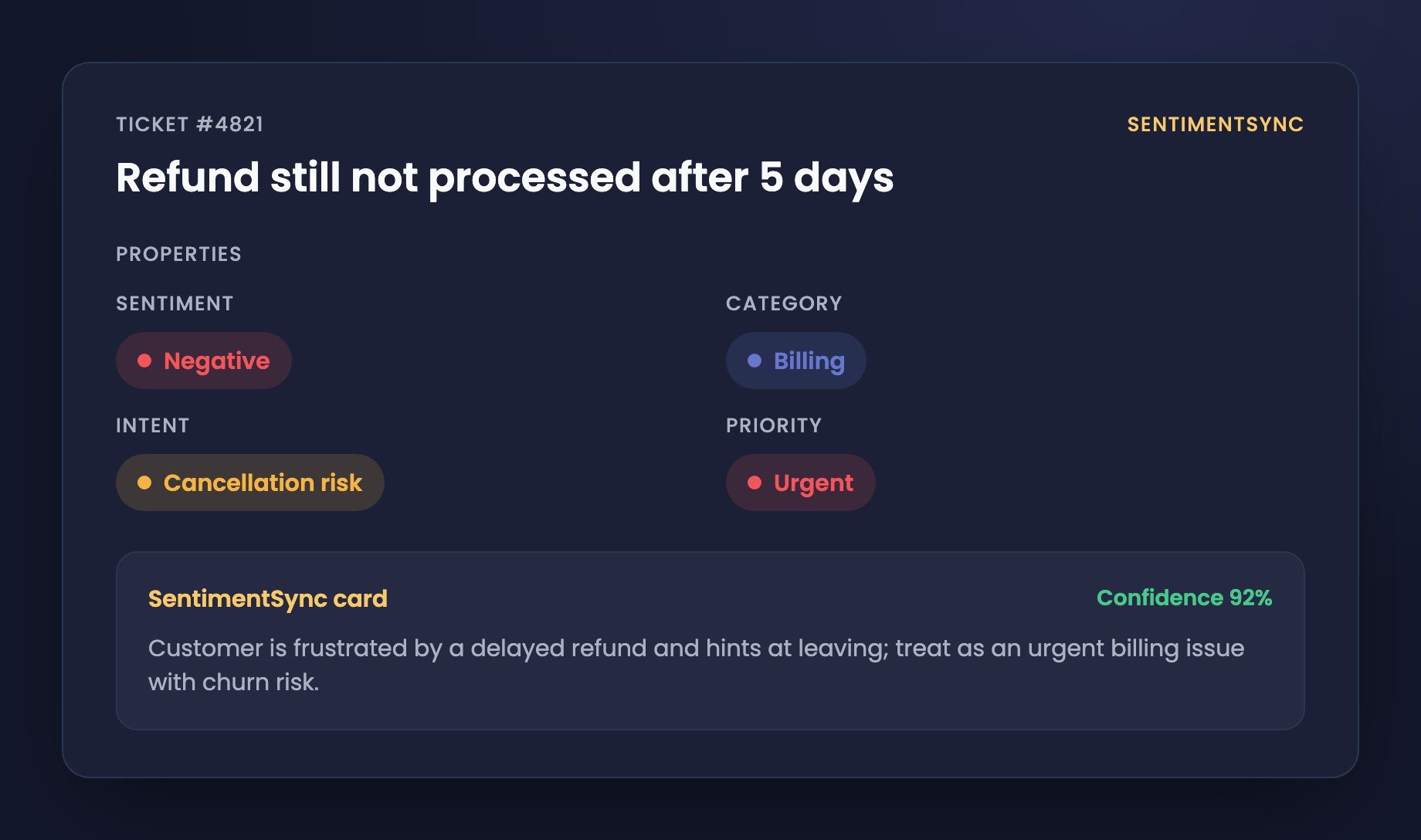
2. Read and score, on create or change
When a ticket is created, or when its subject or description changes, the AI reads that text and writes the four classifications back onto the ticket. Unchanged tickets are skipped by a content fingerprint, so re-scoring never double-charges your monthly quota.
- Scores on ticket creation and on subject or description changes
- A content fingerprint skips unchanged tickets before a credit is used
- The ticket body is never stored; only the scores and a fingerprint are kept
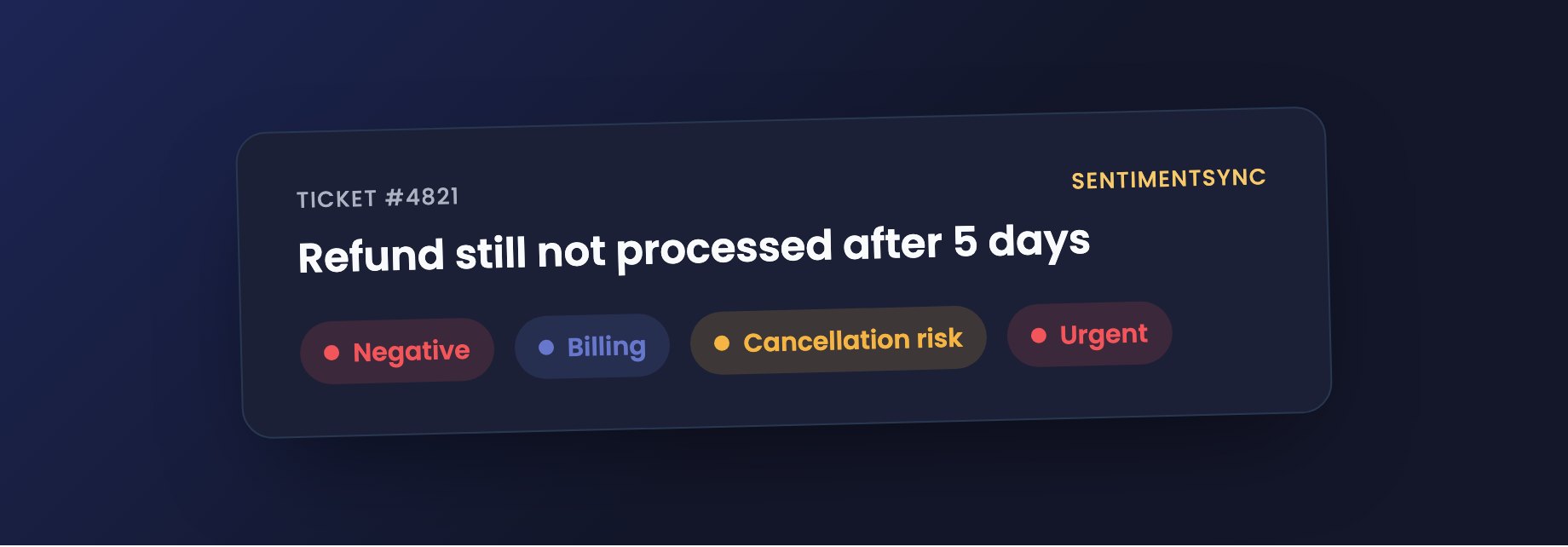
3. Route and report with real HubSpot properties
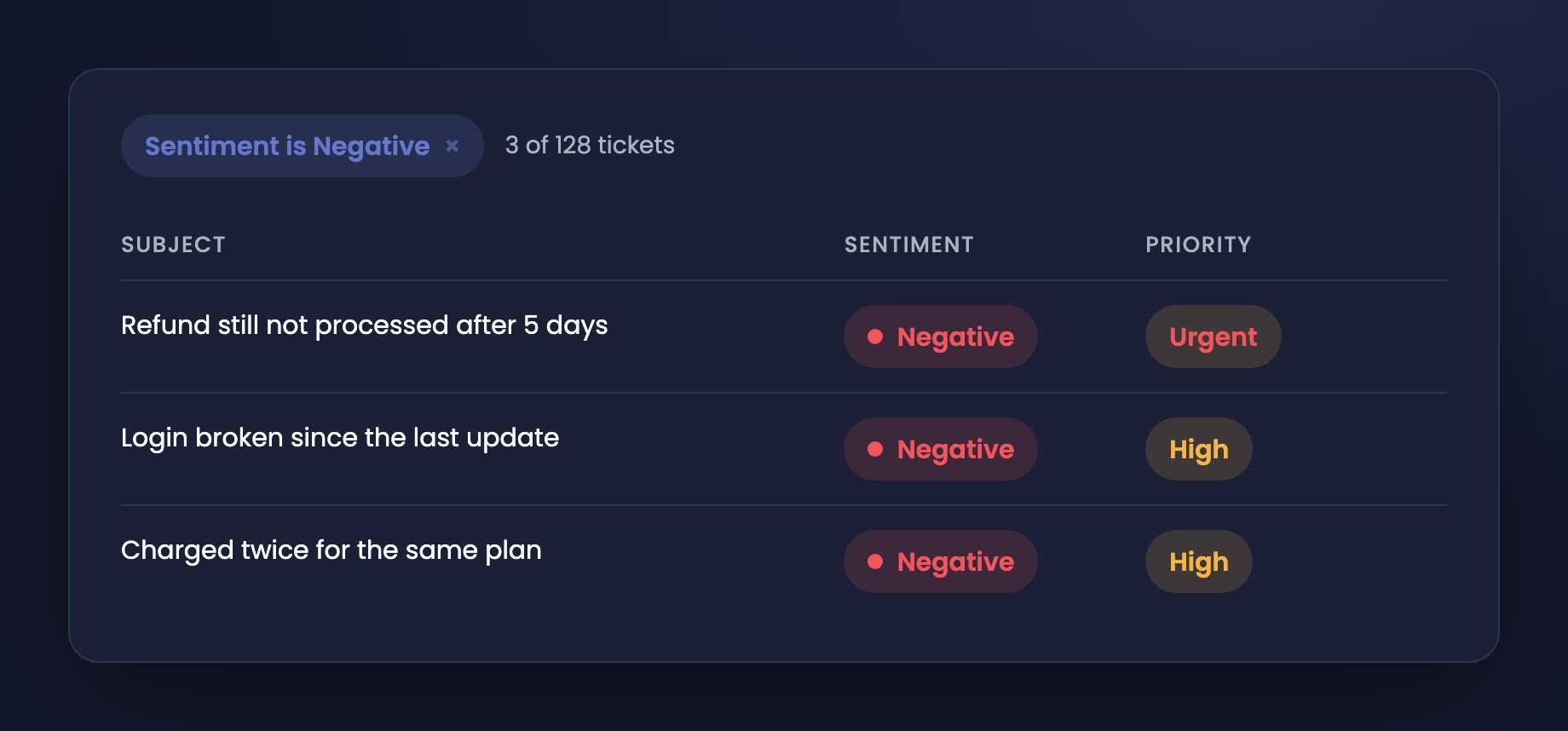
Because the four scores are real ticket properties, your existing lists, views, workflows and reports work unchanged. Filter by sentiment, branch workflows on cancellation risk, and report on category and priority trends, with no export and no second login.
- Filter and segment ticket lists by any signal
- Trigger workflows on negative sentiment or churn risk
- Report on category and priority trends
Ready to see it on your own tickets?
Free for your first 50 tickets a month, no card required.
Install from HubSpot